We spend an average of 2.5 hours a day reading and replying to messages. That is 12 hours a week. A full workday, wasted.
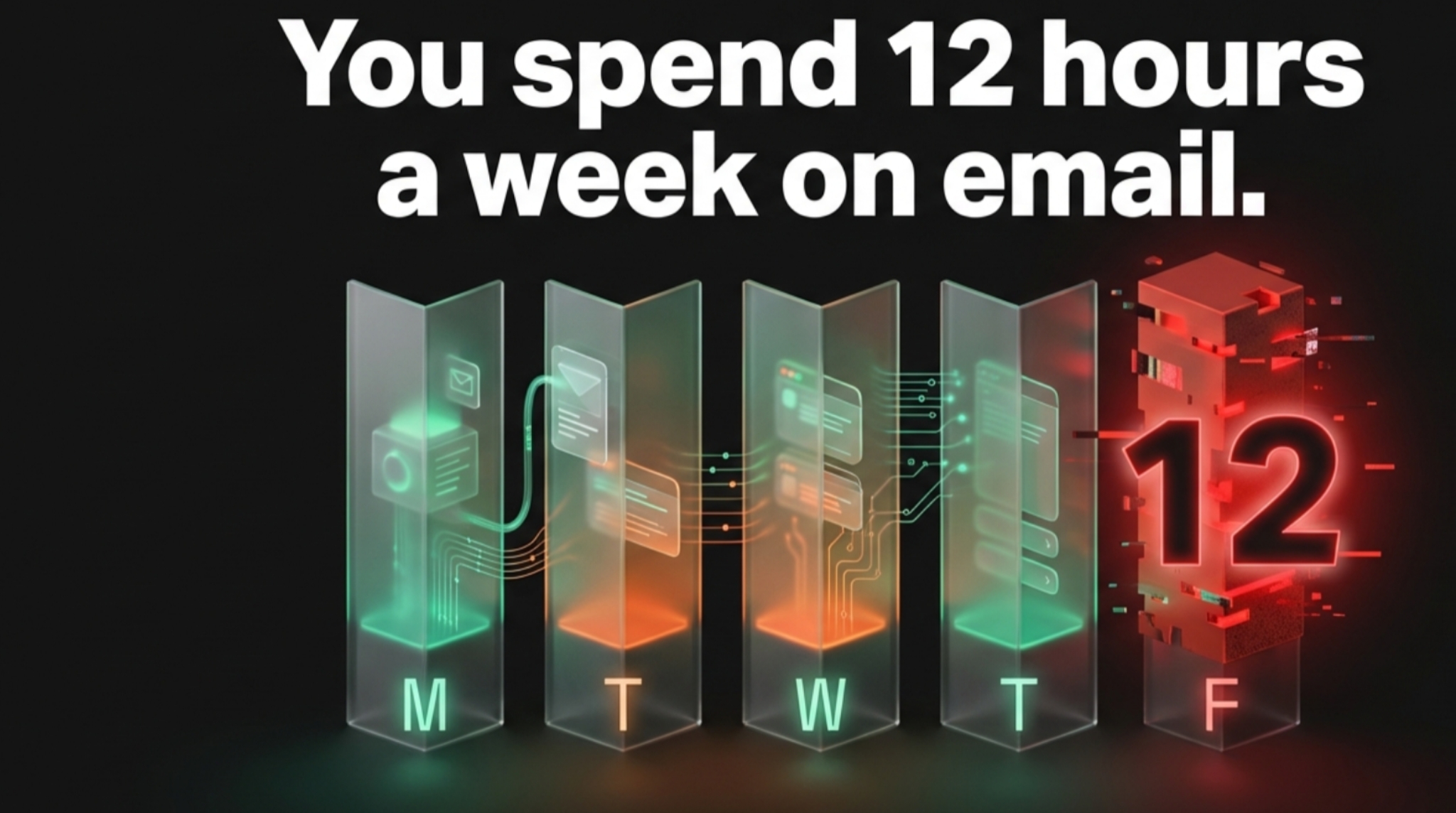
Most people use ChatGPT to write emails manually. They copy the email, paste it into ChatGPT, ask for a reply, copy the reply, and paste it back into Gmail.
That is not automation. That is just copy-pasting with extra steps.
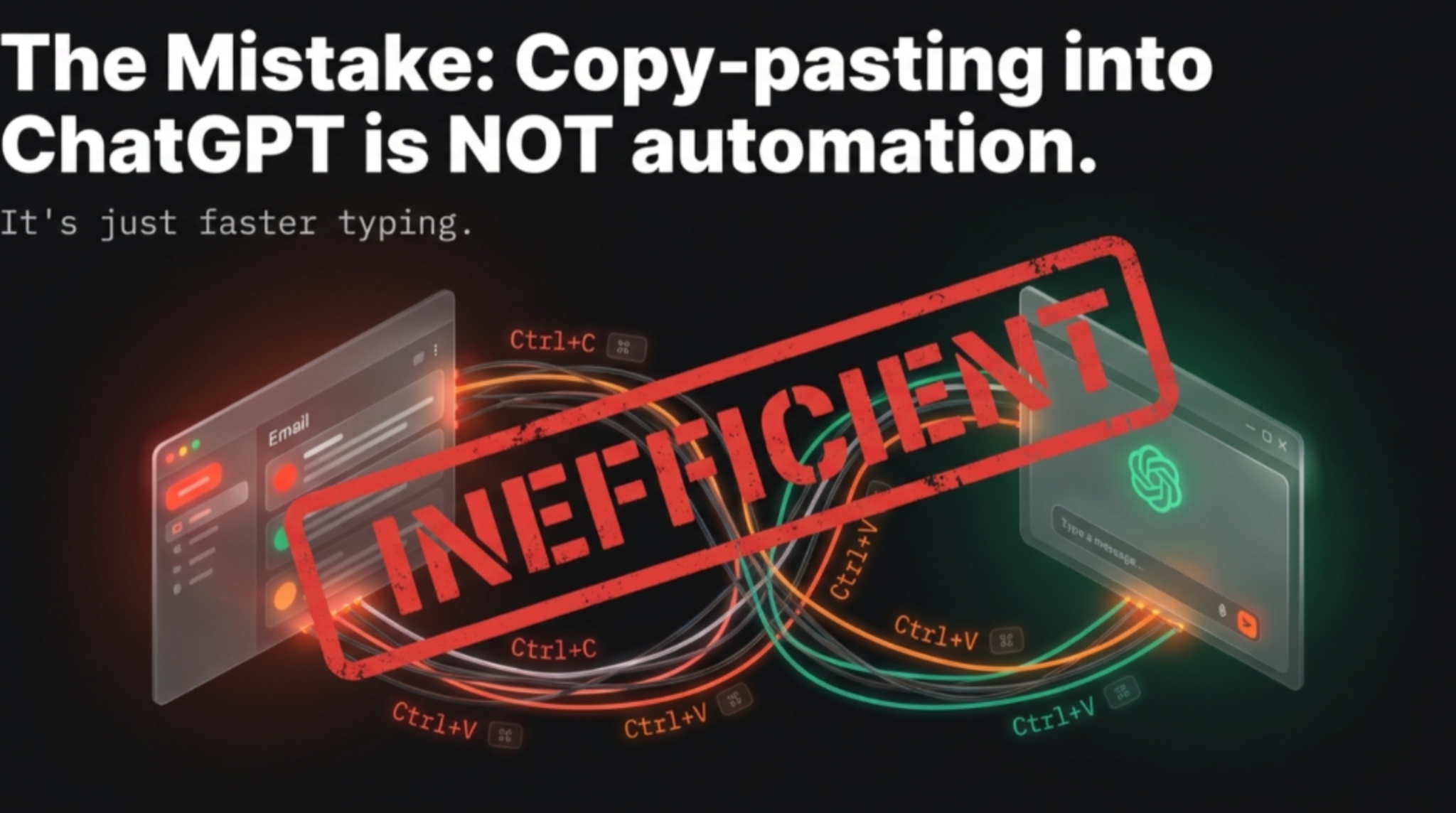
True automation means you don't even open Gmail until the draft is ready. Here is how to set up a "Ghost Writer" workflow using Zapier and OpenAI.
The Stack You Need
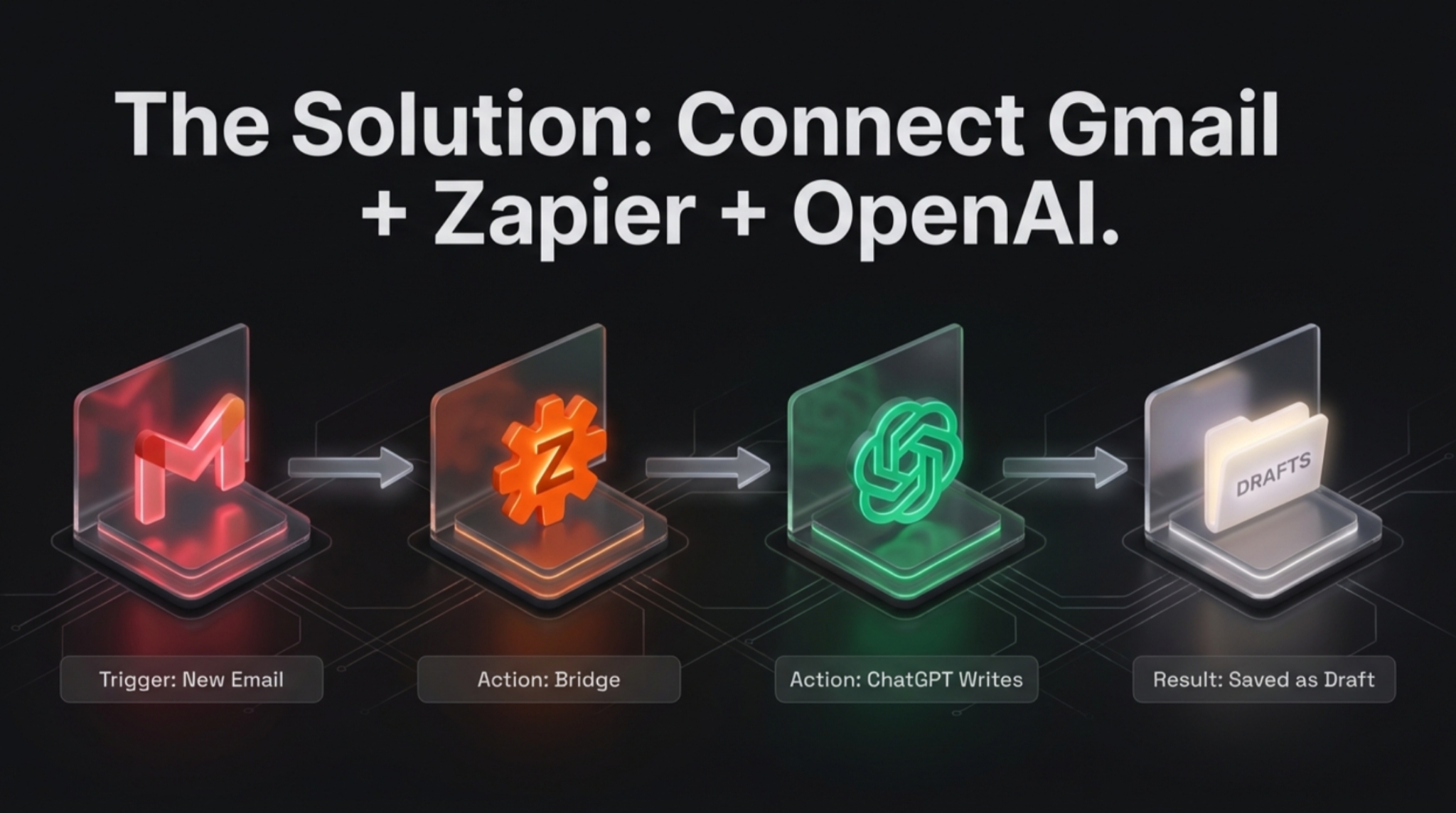
- Gmail — The Inbox
- OpenAI API Key — The Brain
- Zapier — The Glue that connects them
The Golden Rule: "Draft, Never Send"
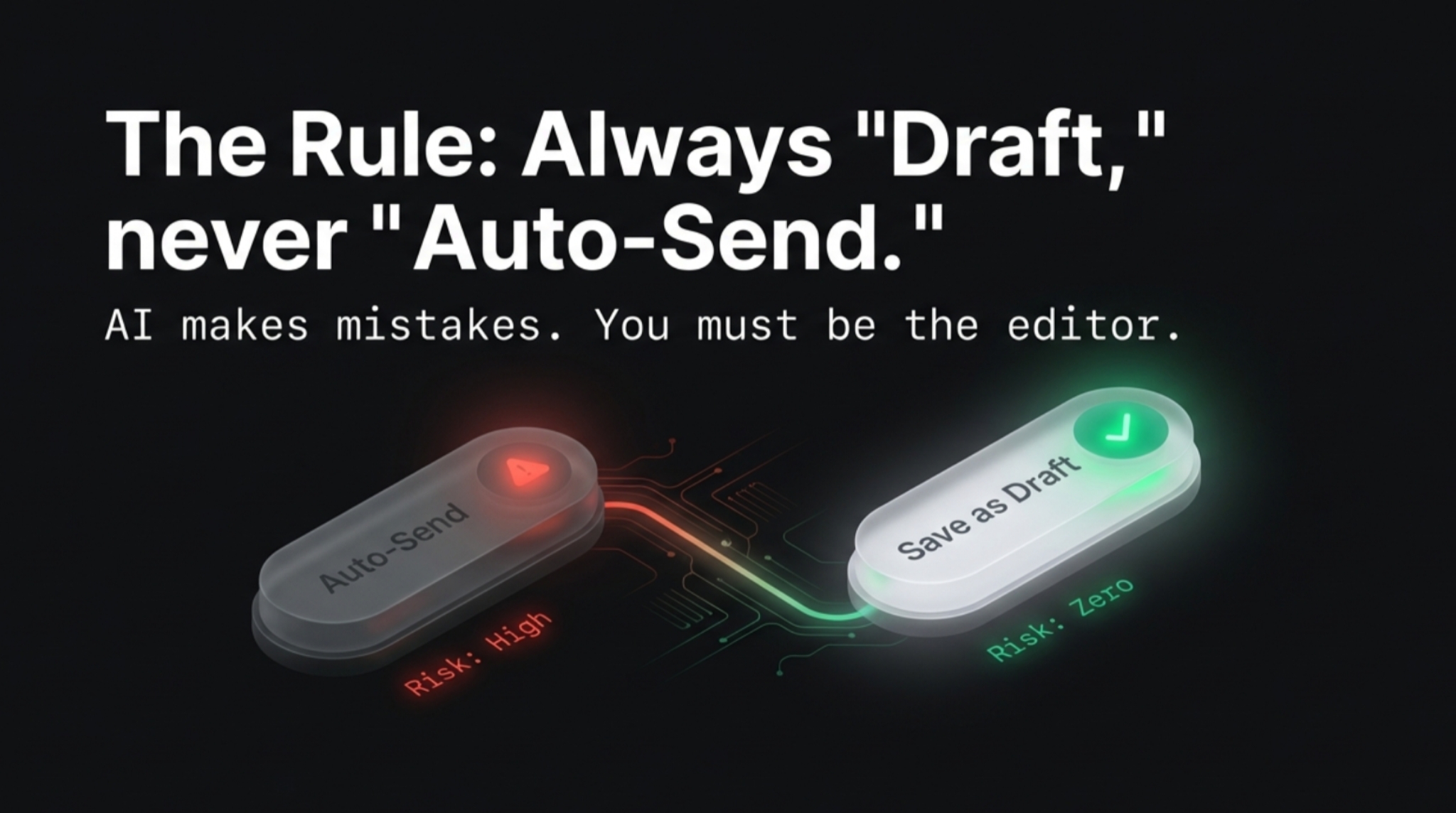
Before we start, a warning: Never set an AI to auto-send emails.
AI hallucinates. If a client asks for a refund and the AI replies, "Sure, here is $1,000," you are in trouble.
Always set the automation to create a Draft. You simply review it and hit send.
The Workflow (Step-by-Step)
Step 1: The Trigger (Gmail)
Go to Zapier and create a new Zap.
- App: Gmail
- Event: New Email
- Filter: Do not trigger on every email. Set a filter for specific labels (like "Client" or "Inquiry"). You don't need ChatGPT replying to your grandmother.
Step 2: The Brain (OpenAI)
Add the next step in Zapier.
- App: ChatGPT (OpenAI)
- Event: Conversation / Completion
- Prompt: This is where the magic happens.
- System Prompt: "You are a helpful assistant. Reply to this email professionally but briefly. Keep it under 100 words."
- User Message: Insert the [Body] of the email from Step 1.
Step 3: The Action (Gmail)
Add the final step.
- App: Gmail
- Event: Create Draft
- To: [Sender Email from Step 1]
- Body: [Response from Step 2]
The Result
Now, when you wake up, your "Drafts" folder is full of ready-to-go replies.
- Open Draft
- Read it
- Hit Send
You just turned 2 hours of typing into 10 minutes of reviewing.
💡 Pro Tip: If you want to do this for free without Zapier, check out tools like Harpa AI that run directly in your browser and can handle similar automation workflows.
The Verdict
Automation isn't about being lazy; it's about being efficient. If you are typing the same "Thanks for reaching out!" email 50 times a day, you are working for the robot.
Let the robot work for you.