Let’s be honest for a second. A few years ago, if you wanted a website, you were stuck between a rock and a hard place. You either had to pay a developer thousands of dollars, or you had to spend weeks fighting with complicated WordPress themes, trying to figure out why your images weren't aligning correctly.
It was expensive, frustrating, and incredibly slow. I remember spending three straight nights in 2020 just trying to get a navigation bar to stick to the top of the screen. By the time I finished, I didn't even want to write content anymore.
But we are in 2026 now. The game has changed completely. If you have an idea—whether it’s a portfolio, a local business, or a startup—you can go from "zero" to "published website" in less time than it takes to drink a cup of coffee. Today, I’m going to show you exactly how to do it using AI, and why you don't need to write a single line of code.
The Shift: From "Building" to "Directing"
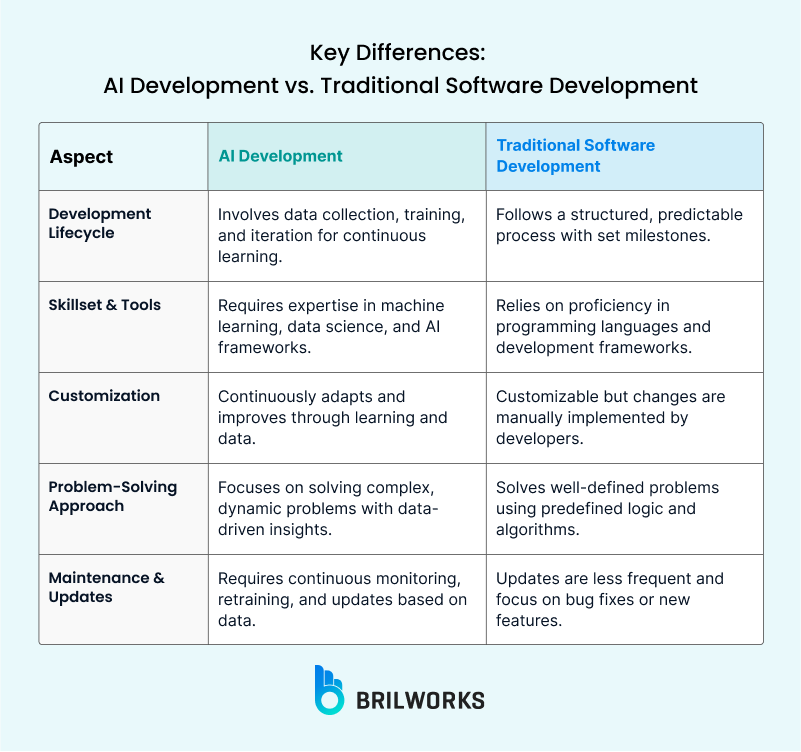
In the past, building a website was like building a house brick by brick. You had to worry about HTML, CSS, server management, SSL certificates, and mobile responsiveness. If one brick was out of place, the whole wall would crumble.
Now, with AI website builders, you are no longer the construction worker; you are the Project Manager. You tell the AI what you want, and it handles the heavy lifting. This is a fundamental shift in how we approach web creation.
We recently discussed the Top 10 Free AI Tools You Must Try in 2026, and AI website builders are arguably the most powerful tools on that list for entrepreneurs. They don't just "design" the site; they write the copy, source the images, and optimize the layout for mobile devices instantly.
Step 1: Choose Your AI Builder (The Big 3)
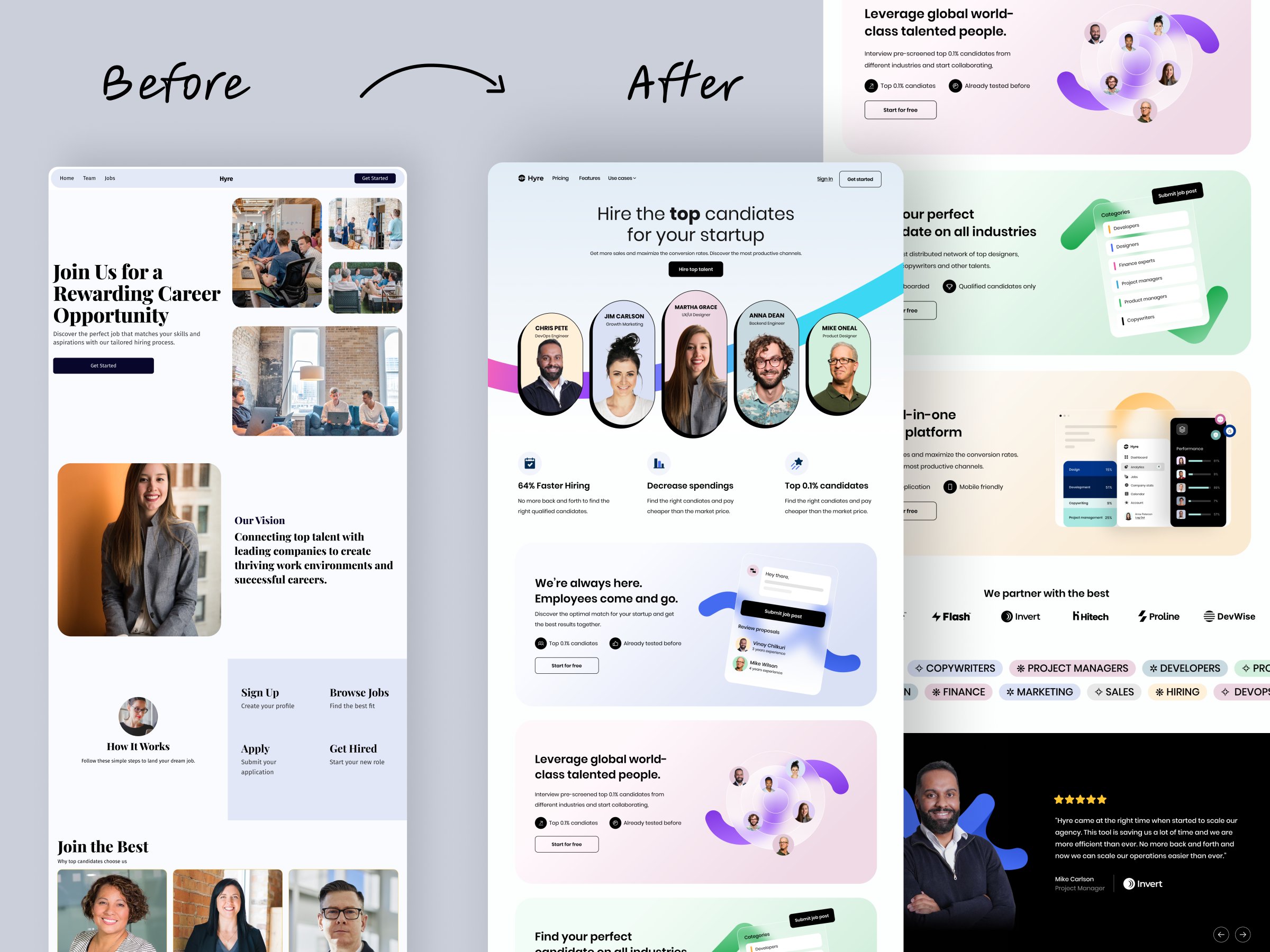
There are dozens of tools out there, but for speed and quality, these are the ones dominating the market right now. Choosing the right one depends entirely on your goal.
1. Mixo.io: The Startup Validator
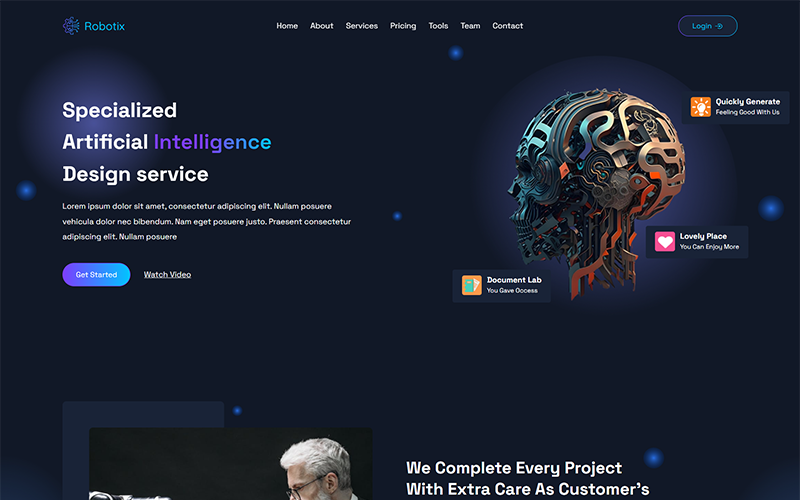
Mixo is perfect if you have a startup idea and just want to see if people are interested. You give it a single sentence, like "A subscription service for organic dog food," and it generates a landing page, a waitlist email capture form, and branding in seconds.
2. Durable.co: The Local Business Hero
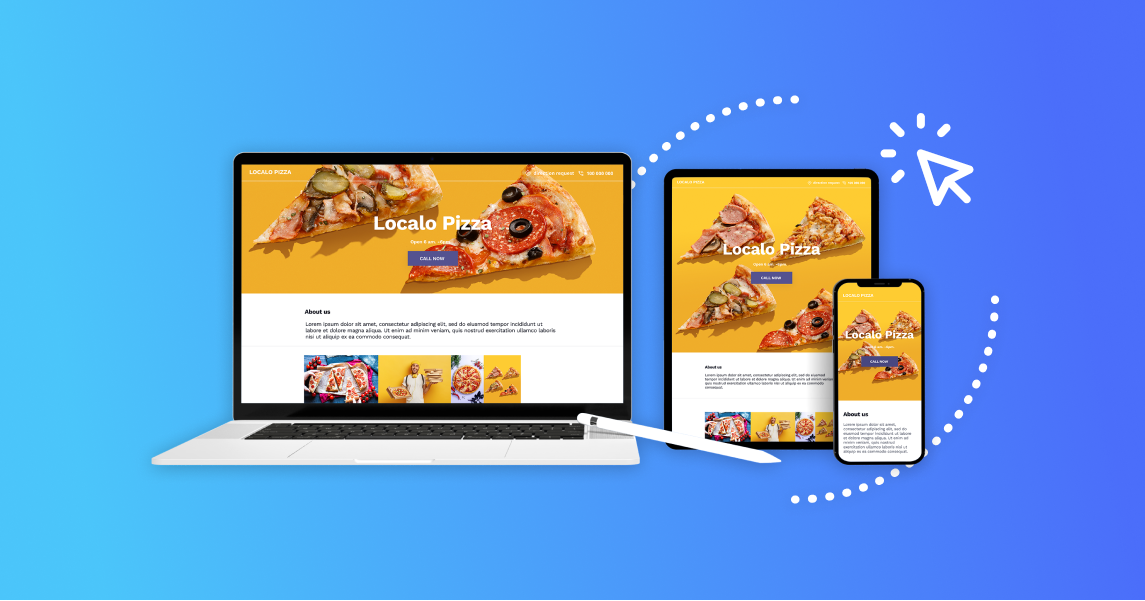
If you are a plumber, a salon owner, or a consultant, Durable is incredible. It uses location data to generate relevant content. It builds the site, but it also sets up a CRM and invoicing system. It's essentially a "business in a box."
3. Framer AI: The Designer's Dream

Framer is the best choice if you want something that looks like it won a design award. It offers more customization than the others. If you care deeply about typography, animations, and "feel," Framer is the tool for you.
Step 2: The "Magic" Prompt

This is where most people fail. They treat the AI like a search engine. If you type: "Make a website for a coffee shop," the AI will give you a generic, boring template that looks like everyone else's. It lacks soul.
To get a professional result, you need to be specific. We call this "Prompt Engineering for Design." You need to feed the AI context about the emotion and the utility of the site.
Use this formula:
[Role/Industry] + [Vibe/Style] + [Target Audience] + [Specific Features]
Try this prompt instead: "Build a website for a specialty coffee shop in Seattle. The vibe should be rustic, cozy, and warm with dark wood tones. I need a 'Menu' section, an 'Our Story' section emphasizing fair trade sourcing, and a prominent button for 'Order Online'."
Step 3: The "Human Polish" (Crucial Step)

Once the AI generates the site (which usually takes about 60 seconds), it will look 90% finished. But you cannot hit publish yet. This is the difference between a "scammy" looking site and a professional brand.
Swap the Stock Photos
AI is great at picking generic images, but people trust real faces. If the AI puts a generic photo of a handshake, replace it. Upload a photo of yourself, your team, or your actual product. Even a photo taken on an iPhone 16 looks more authentic than a generic stock image.
Rewrite the Headlines
AI copywriting is getting better (as we discussed in How to Use AI to Write SEO Blog Posts), but it can sometimes sound a bit robotic or overly enthusiastic. Tweak the main headline to sound like you. If your brand is funny, add a joke. If it's serious, make it concise.
Check Mobile View
While AI is great at responsive design, always double-check how the site looks on a phone screen before launching. Sometimes the AI might make a button too small or a headline too large for a mobile display.
Step 4: What Comes Next? Traffic & SEO
Congratulations! You have a website. But a website without content is like a car without gas. It looks nice, but it isn't going anywhere. Now that your site is live, you need to drive traffic to it.
You might want to explore creating video content to promote it. Check out our guide on the Best Text-to-Video AI Tools in 2026 to see how you can make promo videos without a camera. Short-form video is the fastest way to get eyeballs on a new URL.
And if you are a student or developer wondering if this ease of use means your skills are obsolete, don't worry. As we explore in "Is Coding Worth It After AI?", understanding the code behind these tools is still a superpower. It allows you to break the limits of the AI templates.
Common Myths About AI Websites

- Myth 1: AI websites are bad for SEO. False. Most modern AI builders generate clean, semantic HTML that Google loves. However, the content you put on the site still needs to be high quality.
- Myth 2: You don't own the content. False. With paid plans on platforms like Framer or Webflow, you can export the code. You own your brand assets.
- Myth 3: They all look the same. Only if you use the default prompt. By customizing colors, typography, and images, your site can look completely unique.
Final Thoughts

Speed is the ultimate advantage in the digital age. In 2020, hesitation cost you time. In 2026, hesitation costs you market share. Don't let the fear of "tech" stop you from launching your idea.
With AI, the barrier to entry is gone. The only thing standing between you and a professional online presence is your willingness to click "Generate." So, open a new tab, pick a tool, and build something today.
| Feature | Mixo | Durable | Framer AI | WordPress |
|---|---|---|---|---|
| Setup Time | ⚡ 2–3 minutes | ⚡ 5 minutes | ⚡ 5–10 minutes | 🐢 2–7 days |
| Coding Required | ❌ No | ❌ No | ❌ No | ⚠️ Yes |
| Design Quality | 🟡 Basic | 🟢 Clean | 🔥 Premium | ⚠️ Varies |
| SEO Readiness | 🟢 Good | 🟢 Good | 🟢 Very Good | 🟢 Excellent |
| Customization | 🔒 Limited | 🟡 Medium | 🟢 High | 🔥 Unlimited |
| Maintenance | 🧘 None | 🧘 None | 🧘 None | 💀 Heavy |
| Best For | 🚀 Idea validation | 🏪 Local businesses | 🎨 Designers | 🏗️ Scalable sites |
Frequently Asked Questions (FAQs)
Can I use my own domain name with AI builders?
Yes, absolutely. All professional AI builders (Mixo, Durable, Framer) allow you to connect a custom domain (like .com or .in) once you upgrade to their basic paid plans.
Is this really free?
Most AI builders allow you to generate and preview the website for free. However, to publish it to a custom domain and remove their branding, you usually need to pay a monthly subscription, typically ranging from $12 to $25 per month.
Will these websites rank on Google?
Yes, but the AI just builds the structure. To rank, you still need to write high-quality blog posts and get backlinks. The tool gives you the car; you still have to drive it.
Can I add an online store later?
It depends on the platform. Durable is great for simple services, but if you want a full e-commerce store with 500+ products, you might eventually need to migrate to Shopify or WooCommerce. AI builders are best for starting fast.